
 画像
⚡ 生成
Upload an image and describe changes to clothing, 背景, ライティング, colors, or visible details.
Pick an effect, upload your photo, and the built-in recipe does the rest. Same photo, far more reliable results.
You have been writing prompts by hand. Templates skip all of that — pick a card below, upload your photo, and get the same scene in one click.
画像
⚡ 生成
 画像
⚡ 生成
 5s
⚡ 生成
 新着 5s
⚡ 生成
 新着 5s
⚡ 生成
 5s
⚡ 生成
 新着 5s
⚡ 生成
 5s
⚡ 生成
 5s
⚡ 生成
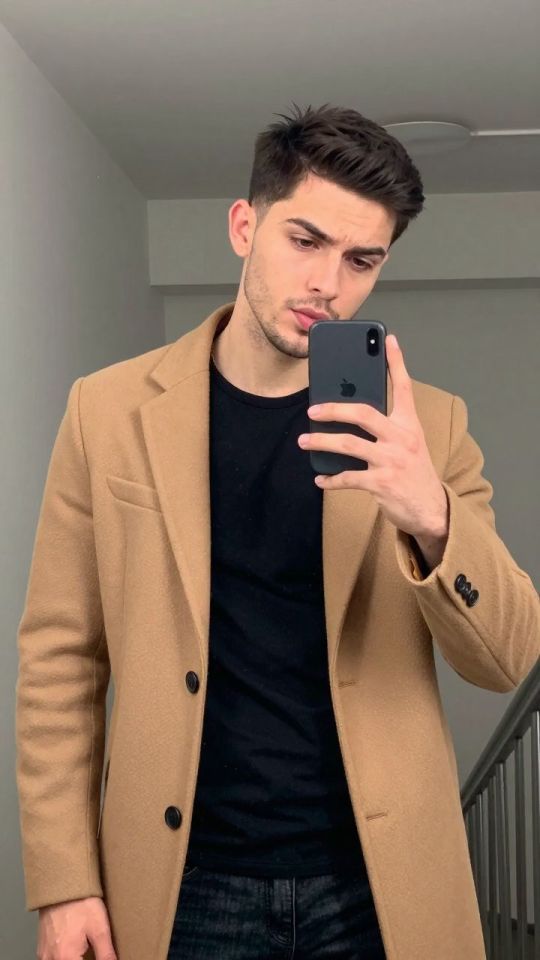
 画像
⚡ 生成
 5s
⚡ 生成
 新着 5s
⚡ 生成
Describe the requested change in ordinary language.
Ask the editor to preserve identity, pose, or background.
No locked blur or promotional watermark is added.
A focused edit instruction identifies what should change and what should remain stable. For example, describe the desired background or lighting while explicitly asking to preserve the adult subject, pose, framing, and facial identity. Combining many unrelated changes in one request can make the result less predictable.
The editor is generative, so preservation instructions reduce unwanted changes but cannot guarantee pixel-identical regions. Compare the result with the source and use a second focused edit when necessary. Historical generated assets are passed to the editor through their clean original whenever one is available.
For changes limited to a selected region, use the Studio inpainting workflow. For final-resolution enhancement after editing, open the AI Image Upscaler.
Choose a supported image.
Enter one focused edit instruction.
Review and download the edited result.
You can request changes to clothing, ライティング, 背景, color, and other visible details.
No. Generative editing can recreate fine details even when preservation is requested.
はい. Use the result as input for another image edit.
Adults only. Use only media you own or have permission to process. Content involving minors, non-consensual imagery, or misuse of another person’s likeness is prohibited.
生成後、画像は削除されます。.
ファイルを参照失敗したジョブのクレジットは自動的に返金されます. 生成完了までの時間 マイコレクション.
Googleでサインインして生成開始
安全なGoogleサインインを開いています……