
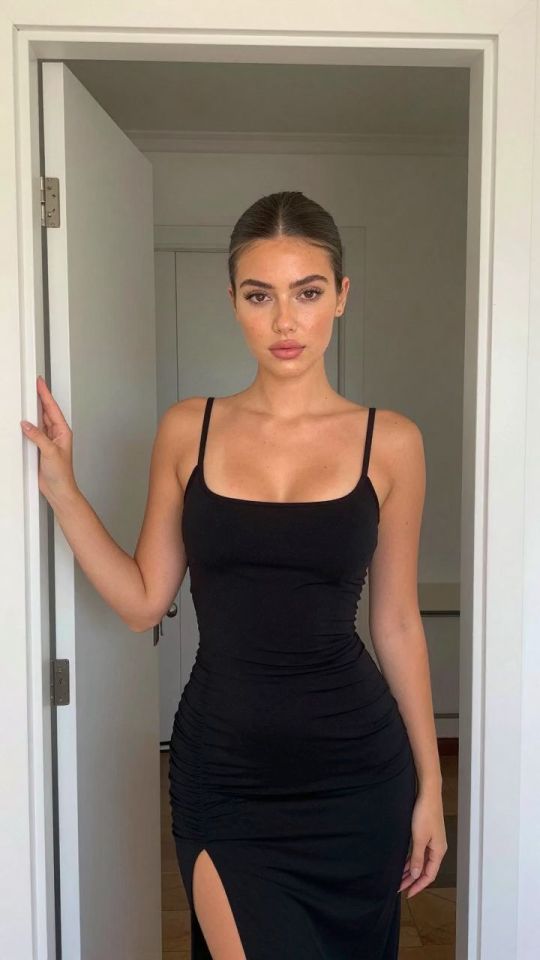
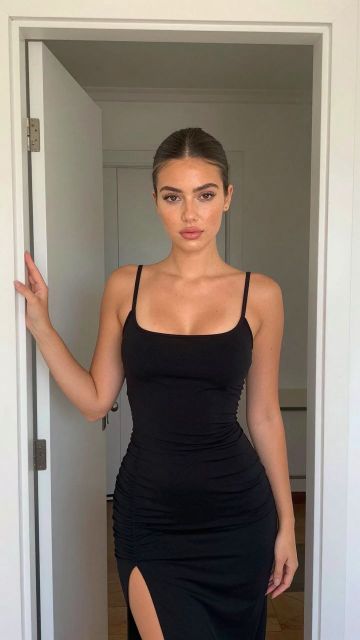
 Imagen
⚡ Generar
Imagen
⚡ Generar
Upload an image and describe changes to clothing, fondo, iluminación, colors, or visible details.
Pick an effect, upload your photo, and the built-in recipe does the rest. Same photo, far more reliable results.
You have been writing prompts by hand. Templates skip all of that — pick a card below, upload your photo, and get the same scene in one click.
Imagen
⚡ Generar
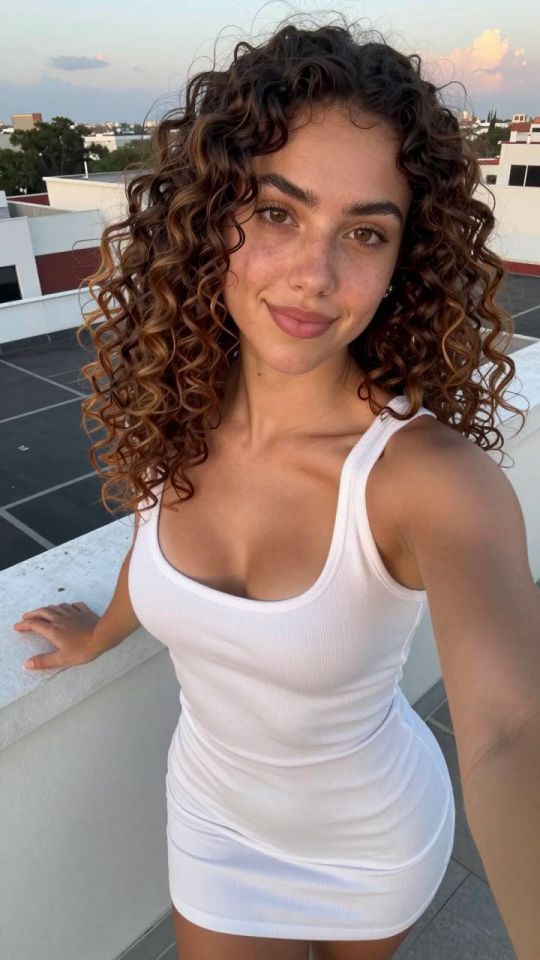
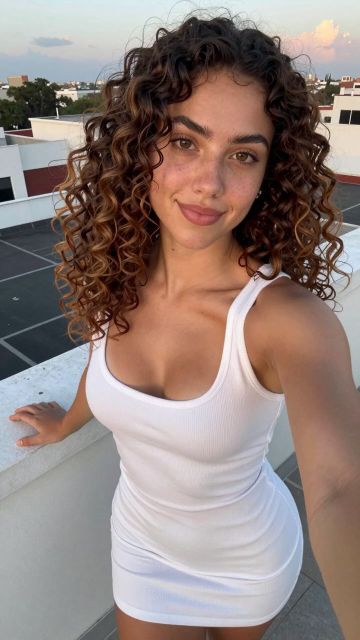 Imagen
⚡ Generar
Imagen
⚡ Generar
 5s
⚡ Generar
5s
⚡ Generar
 NUEVO 5s
⚡ Generar
NUEVO 5s
⚡ Generar
 NUEVO 5s
⚡ Generar
NUEVO 5s
⚡ Generar
 5s
⚡ Generar
5s
⚡ Generar
 NUEVO 5s
⚡ Generar
NUEVO 5s
⚡ Generar
 5s
⚡ Generar
5s
⚡ Generar
 5s
⚡ Generar
5s
⚡ Generar
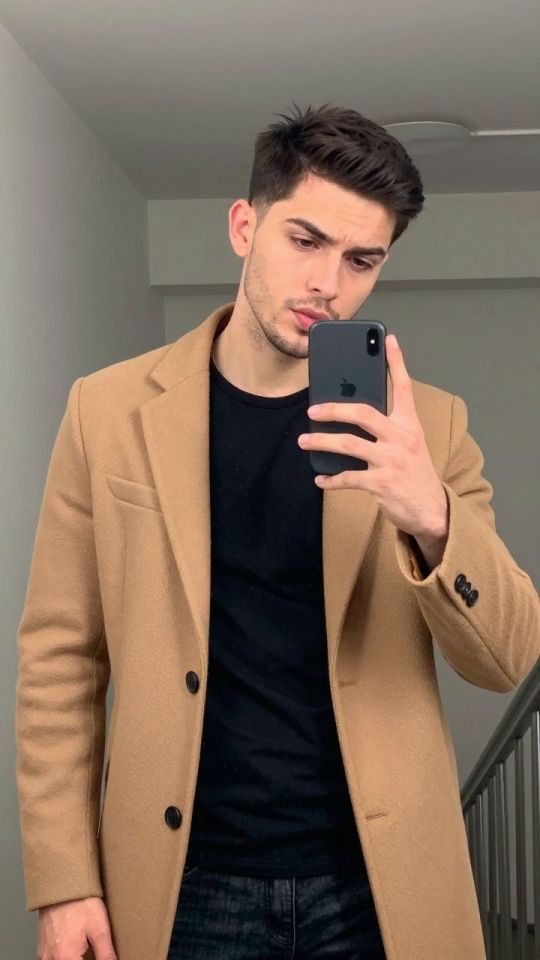
 Imagen
⚡ Generar
Imagen
⚡ Generar
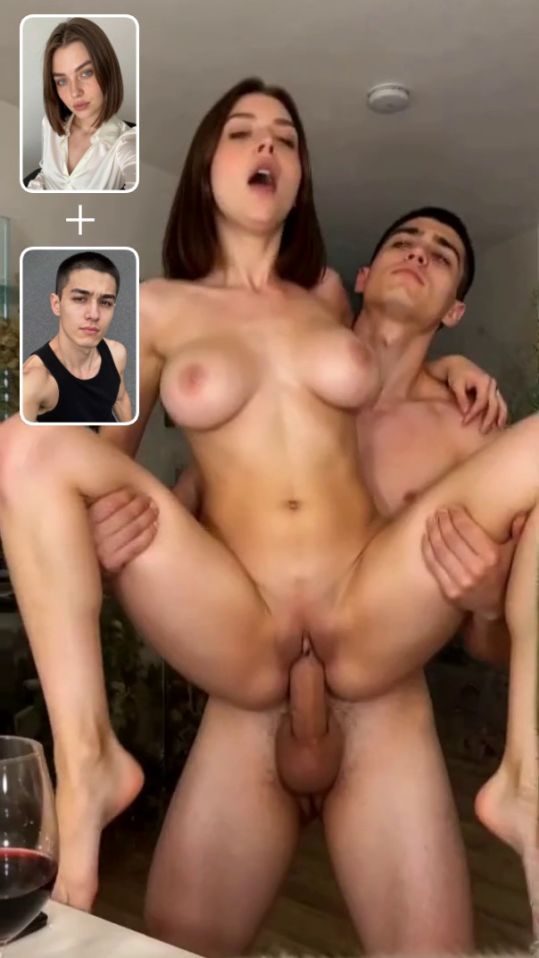 5s
⚡ Generar
5s
⚡ Generar
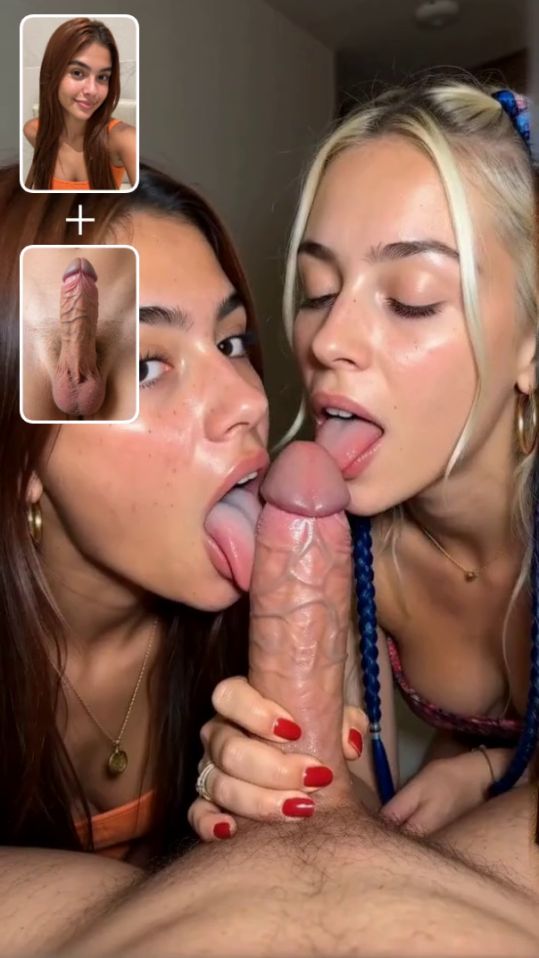 NUEVO 5s
⚡ Generar
NUEVO 5s
⚡ Generar
Describe the requested change in ordinary language.
Ask the editor to preserve identity, pose, or background.
No locked blur or promotional watermark is added.
A focused edit instruction identifies what should change and what should remain stable. For example, describe the desired background or lighting while explicitly asking to preserve the adult subject, pose, framing, and facial identity. Combining many unrelated changes in one request can make the result less predictable.
The editor is generative, so preservation instructions reduce unwanted changes but cannot guarantee pixel-identical regions. Compare the result with the source and use a second focused edit when necessary. Historical generated assets are passed to the editor through their clean original whenever one is available.
For changes limited to a selected region, use the Studio inpainting workflow. For final-resolution enhancement after editing, open the Mejorador de imágenes de IA.
Choose a supported image.
Enter one focused edit instruction.
Review and download the edited result.
You can request changes to clothing, iluminación, fondo, color, and other visible details.
No. Generative editing can recreate fine details even when preservation is requested.
Sí. Use the result as input for another image edit.
Sólo adultos. Utilice únicamente medios de su propiedad o que tenga permiso para procesar. Contenido que involucra a menores, imágenes no consensuadas, o está prohibido el uso indebido de la imagen de otra persona.
Analizando tu foto…
Tu resultado aparecerá aquí mismo — mantén esto abierto..
0:00
Tu imagen se elimina después de la generación..
Explorar archivosLas generaciones fallidas se reembolsan automáticamente. Encuentra tus resultados en Mi Colección.
Inicia sesión con Google para empezar a generar
Abriendo inicio de sesión seguro de Google……